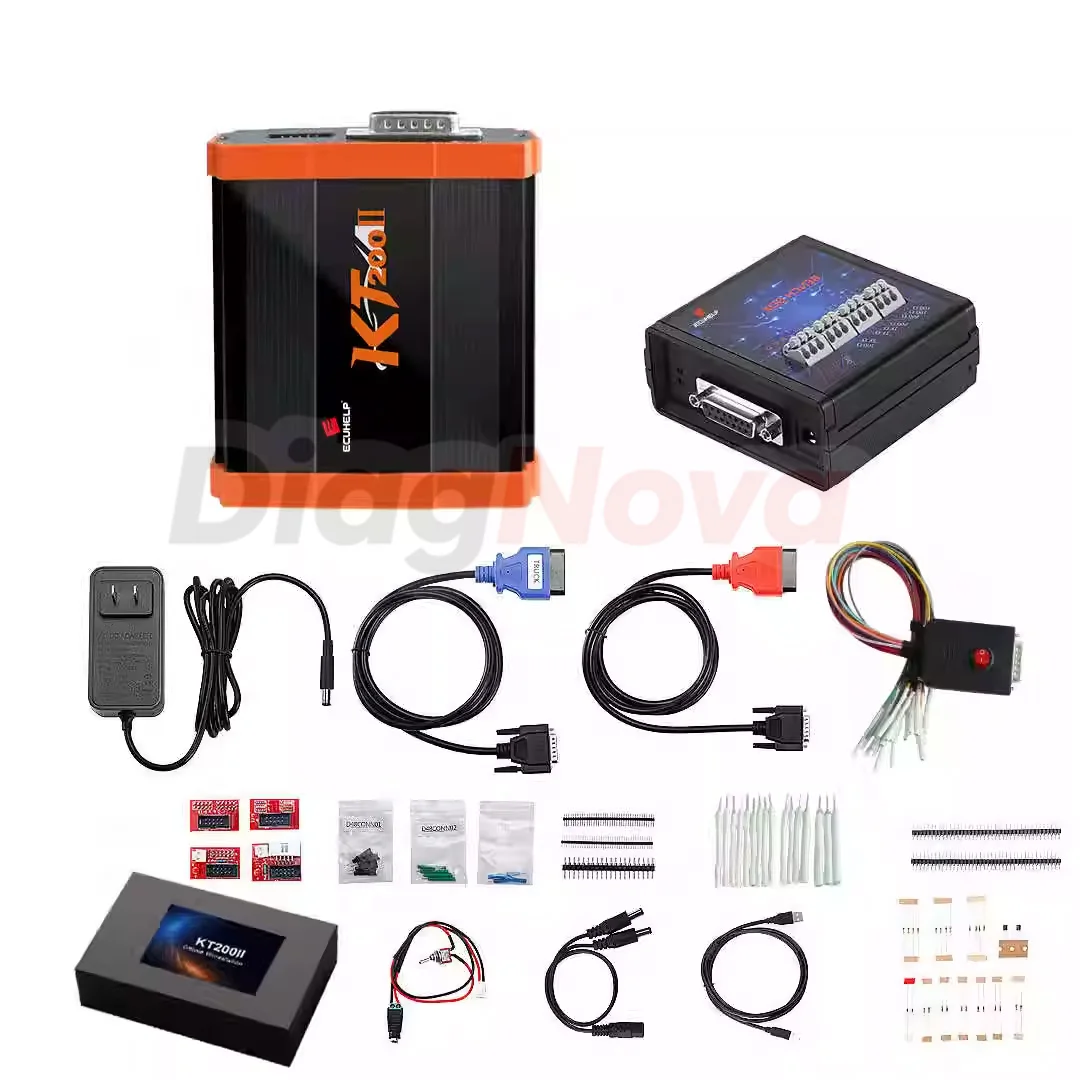
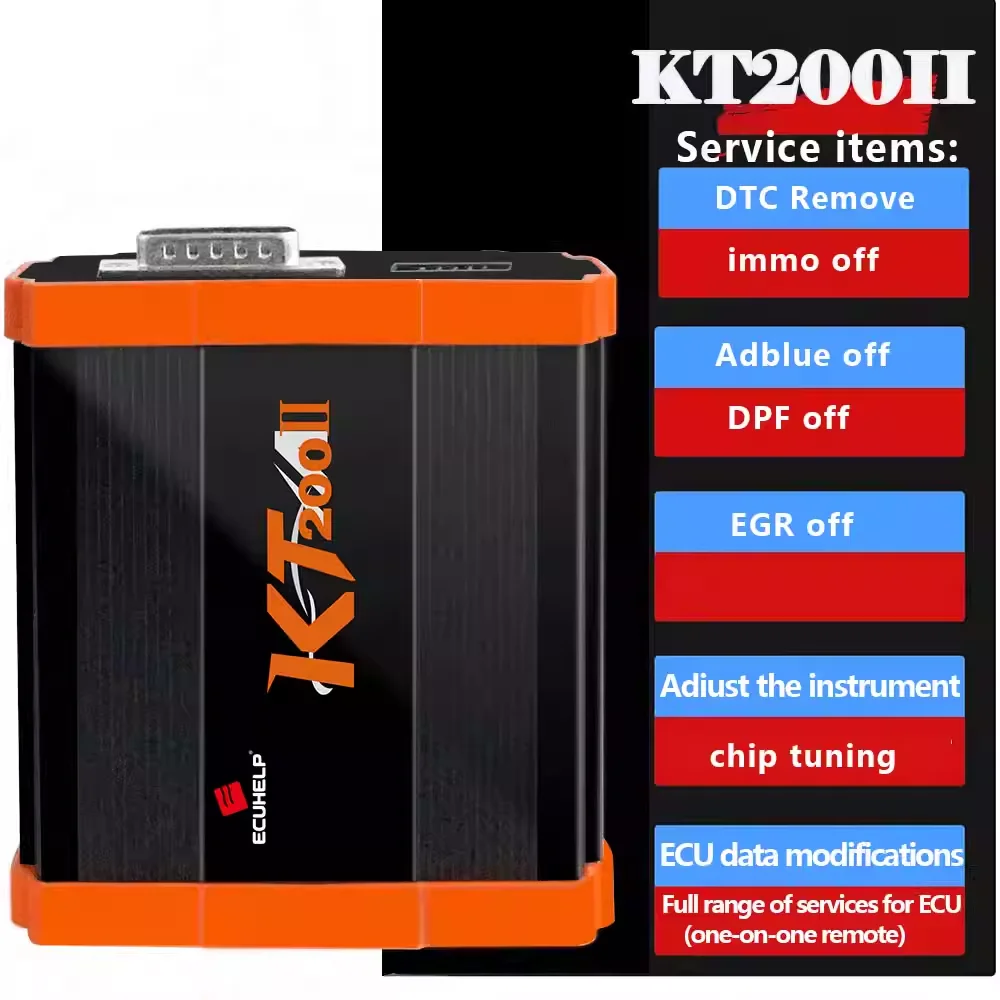
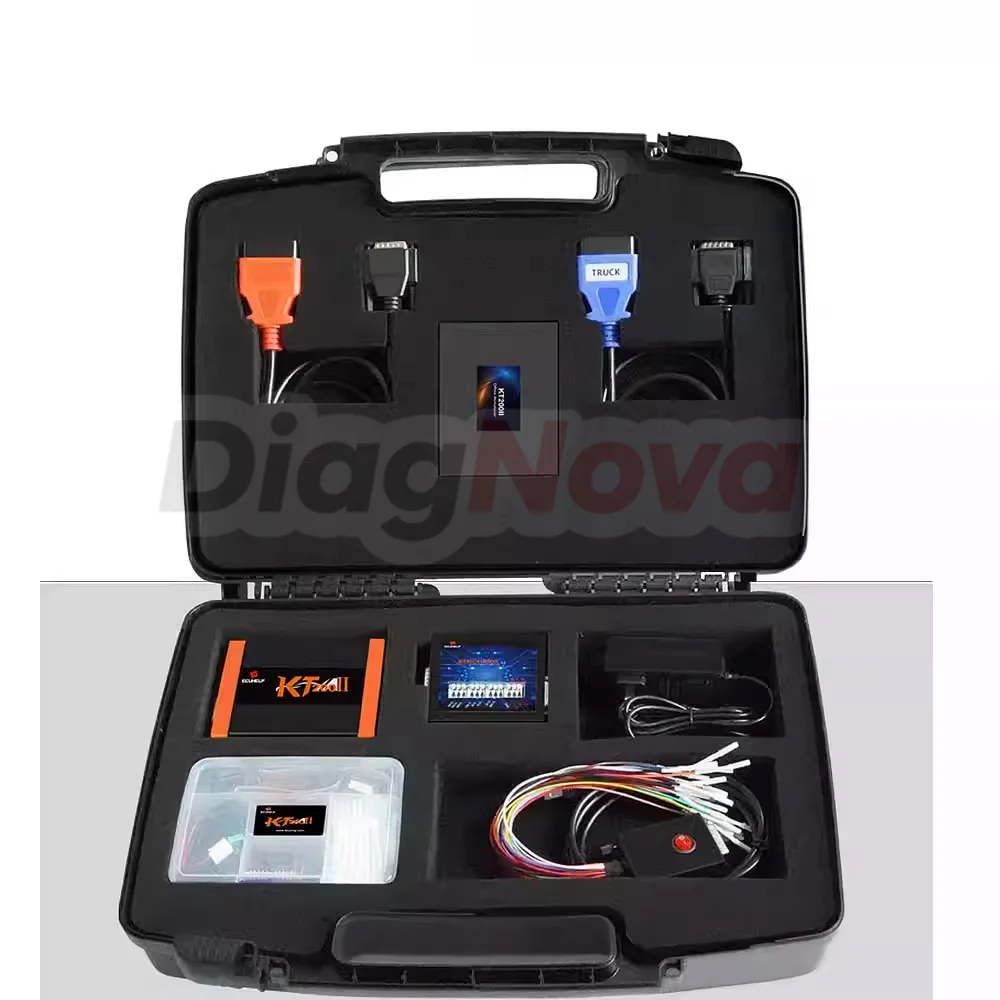

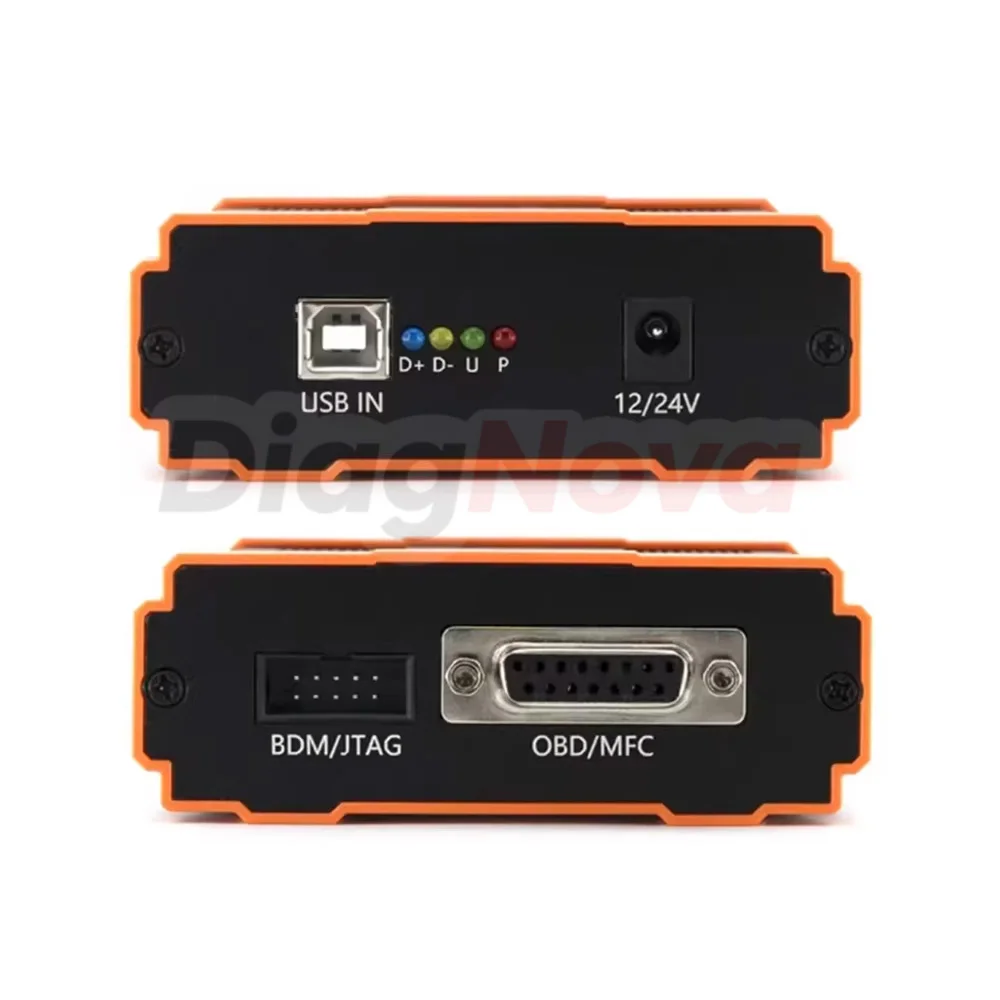
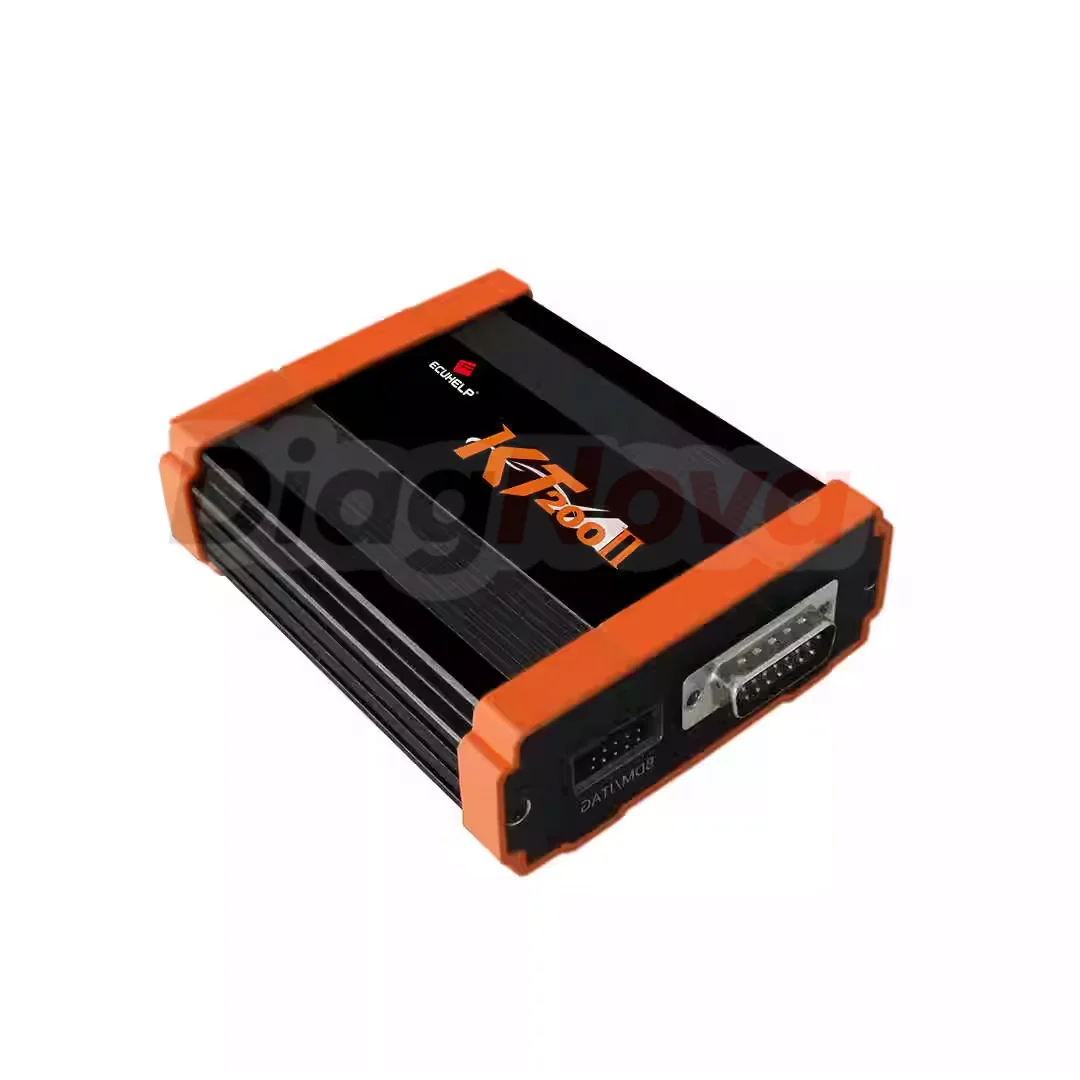
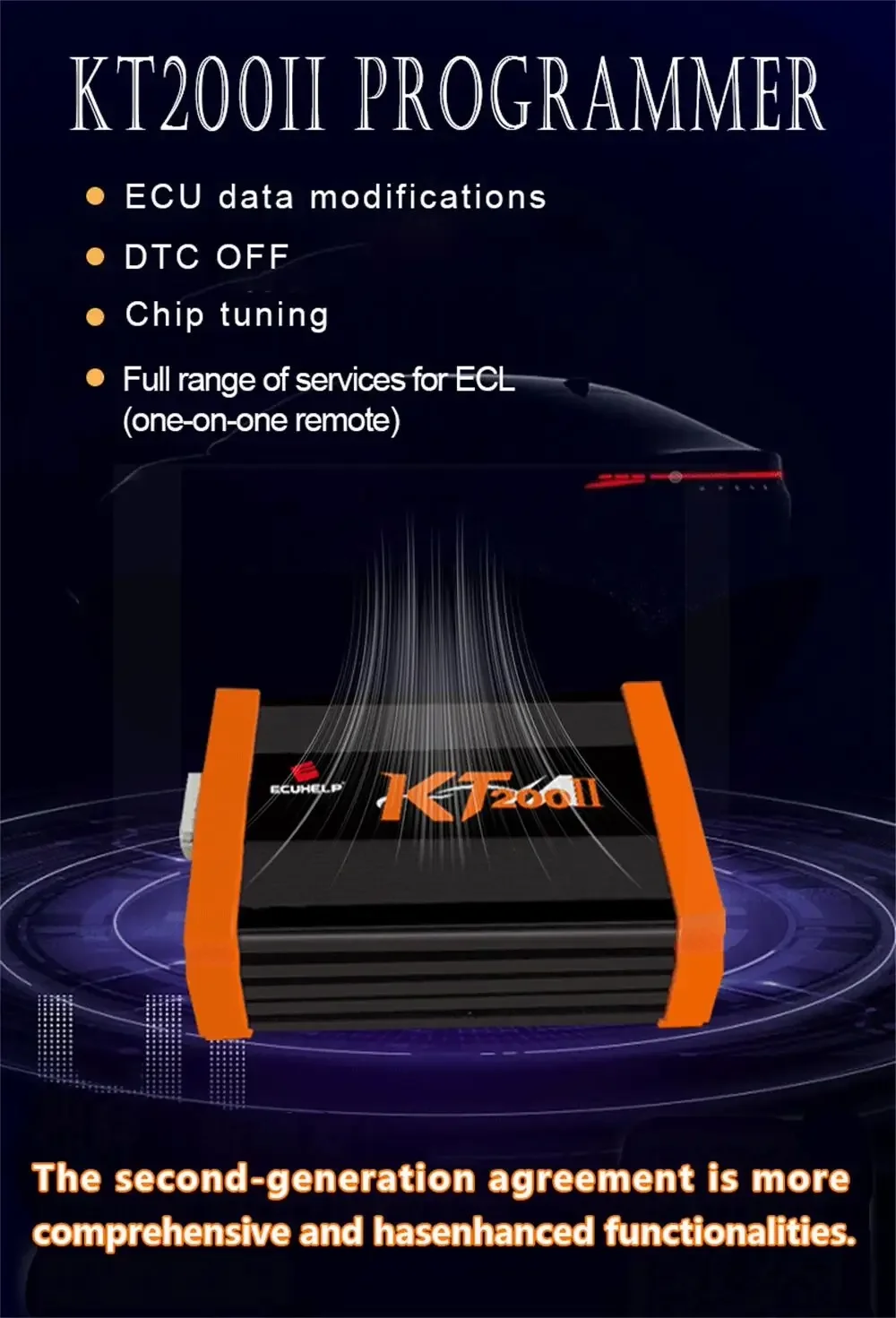
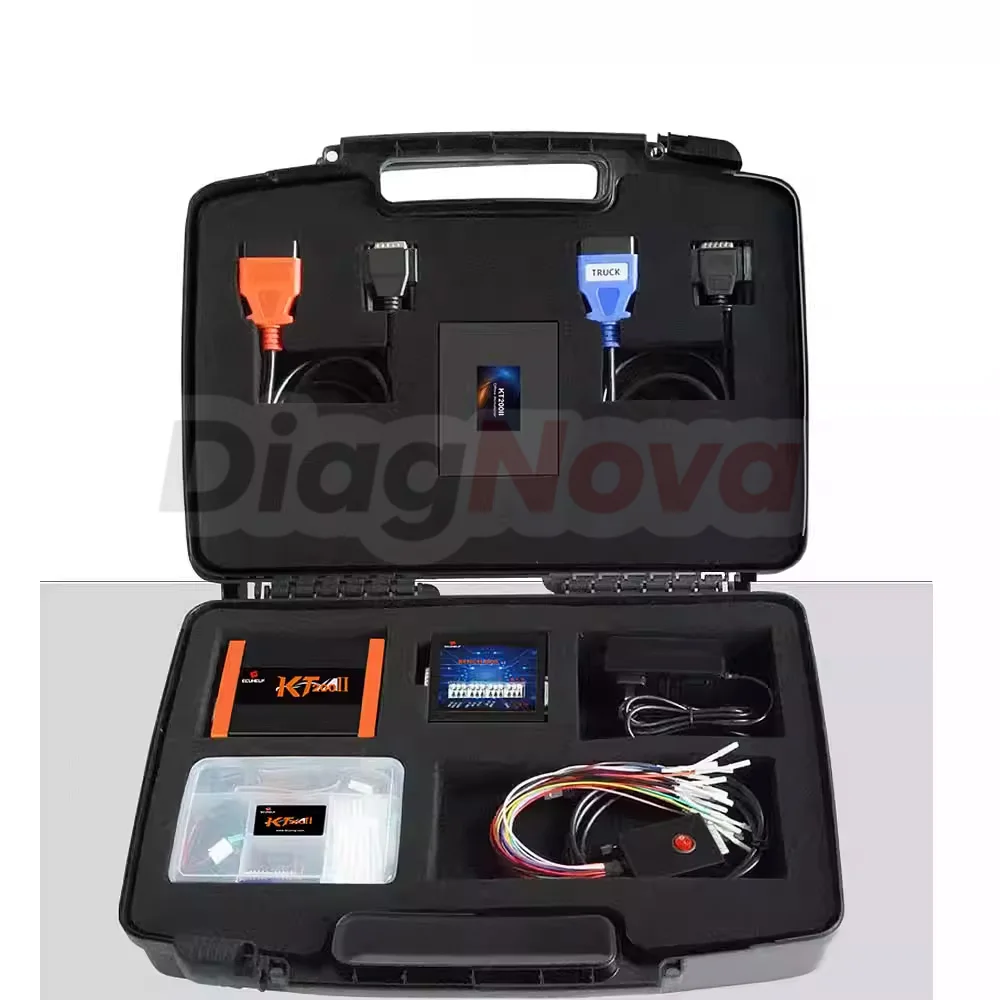
KT200ll is an ECU programmer designed for reading and programming engine control unitsECUs). Allows communication in multiple modes: Bench (or Service mode), 0BD, Boot, BDMJTAG, Full system via pinout. This tool offers a comprehensive solution for mechanics, with additional TCU package options for automatic transmission.
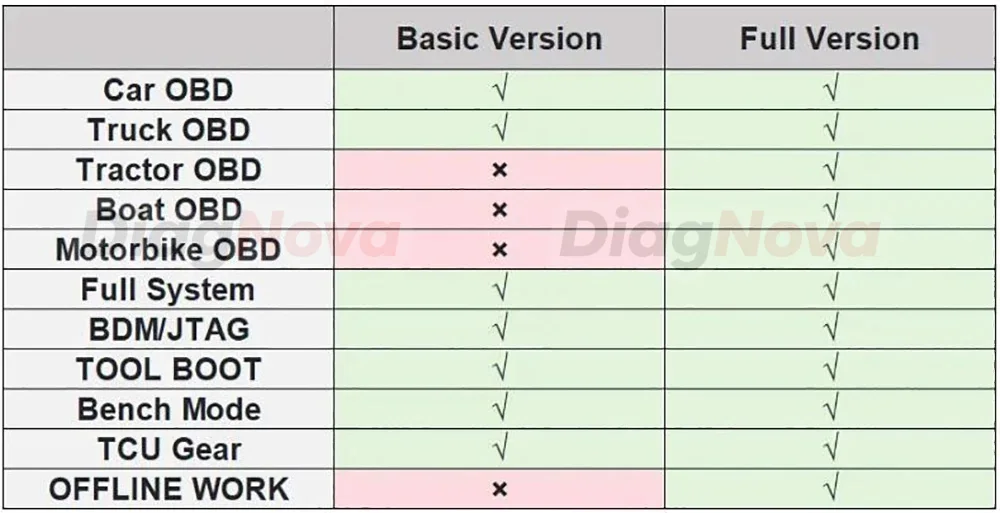
Note: The KT200ll Basic Version does not have an offline dongle and requires an internetconnection to use KT200ll documentation and software are available for online download.
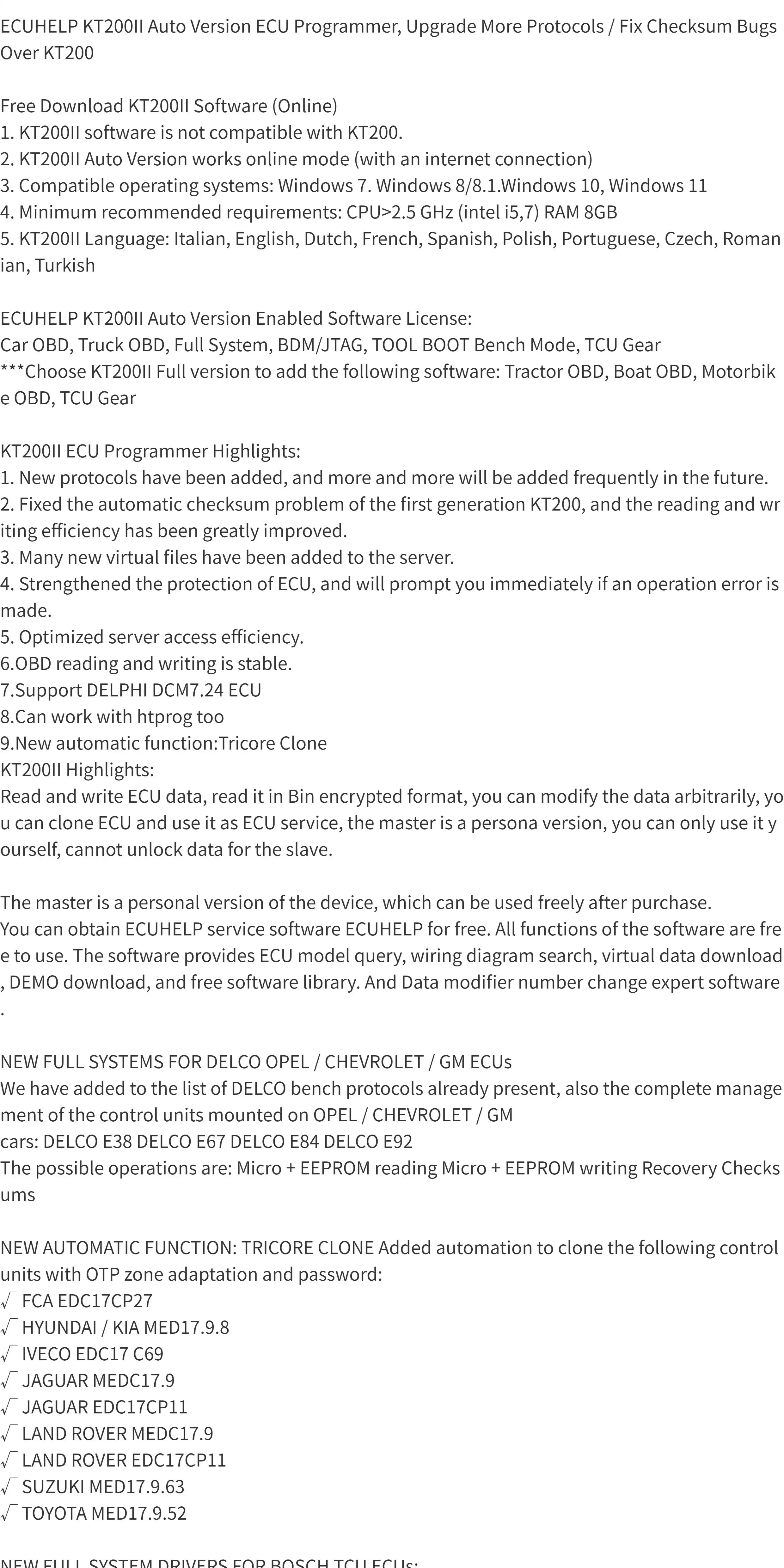
1. KT200ll software is not compatible with KT200.
2. KT200ll Auto Version works online mode (with an internet connection)
3. Compatible operating systems: Windows 7, Widows 8/8.1, Windows 10, Windows 11
4. Minimum recommended requirements: CPU>2.5 GHz(Intel i5,7), RAM 8GB
5. KT200ll Language: ltalian, English, Dutch, French, Spanish, Polish, Portuguese, CzechRomanian, Turkish
Very lmportant: Before installation you need to disable your antivirus and turn off Windows Defender,including real-time protection on your computer.
Q:l installed kt200ii software on Windows 10 but the app can not start.
A:Install a USB driver from your installation. Restart the computer, and temporarily disable Win Defender and firewall. Plug the device into USB and power it. Open the app and WAlT…. lt can take up to 1 minute to connect to the server.




Reviews
There are no reviews yet.